
Editool
As a teacher, you can make your marking easier with Editool.
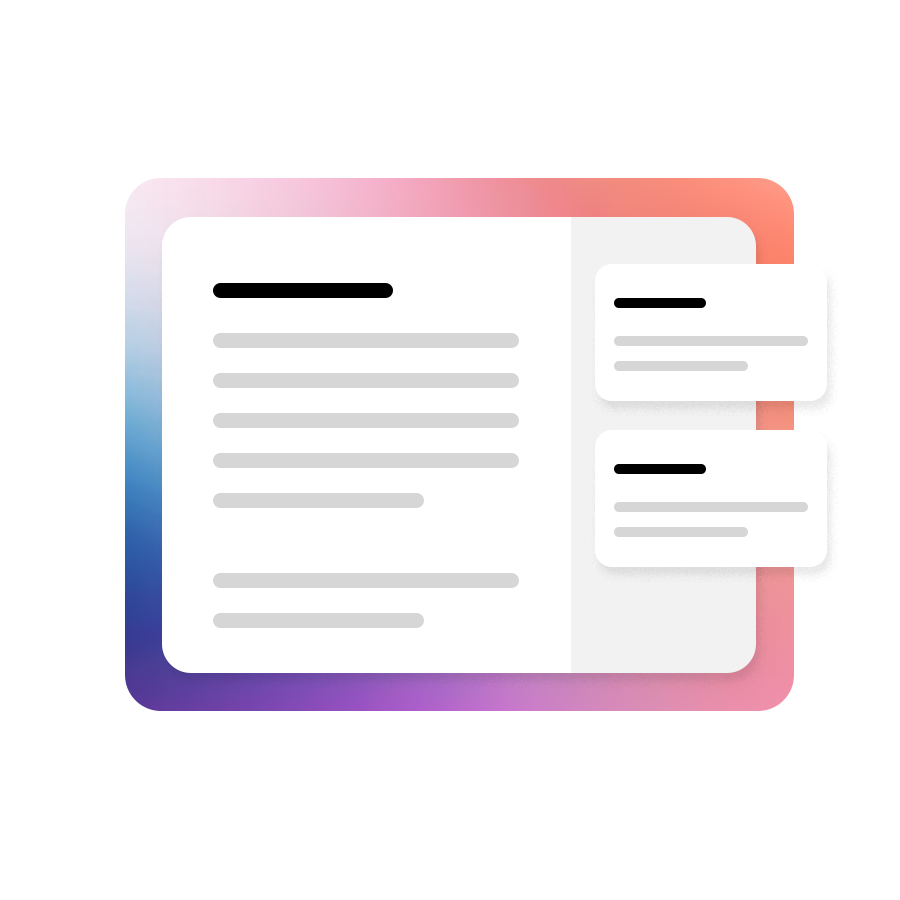
Editool brings your most important marking and feedback tools together in one place – right in Word and Docs.
Feedback shortcuts
Save comments, text or rubrics so you can easily insert them into your students’ assignments later. Add feedback as comments or directly in the body text.
Audio and video
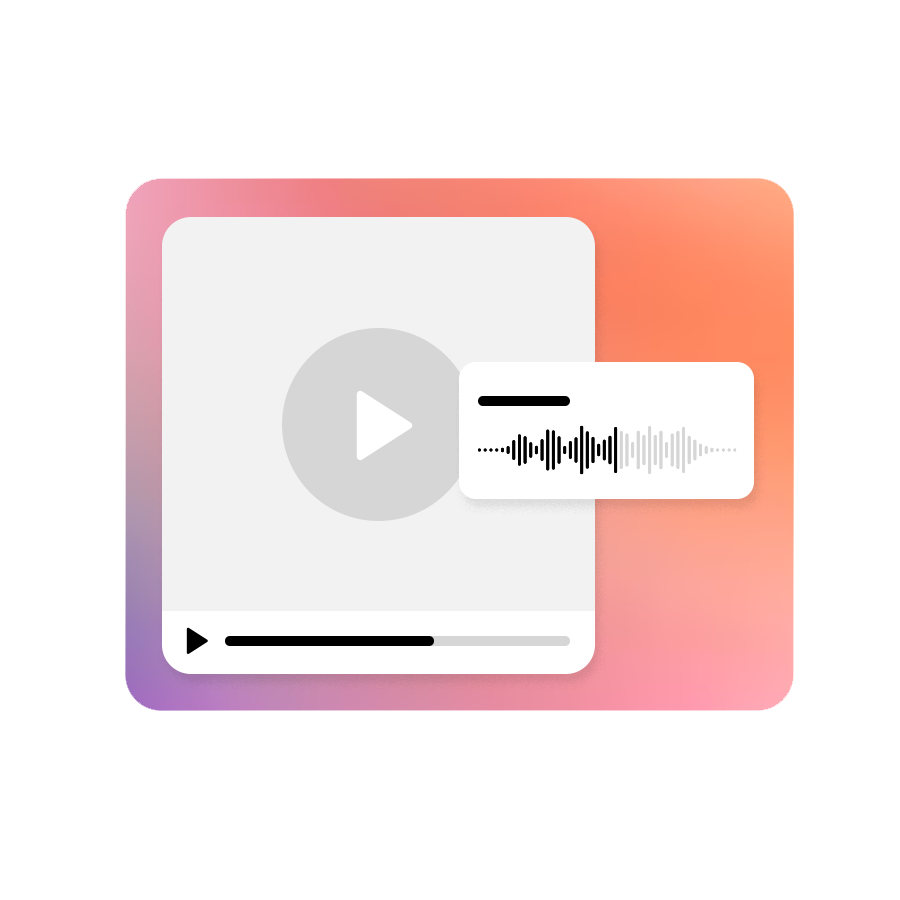
Give your students spoken feedback, or use screen recordings.
Statistics
Insert summary statistics into your students’ submissions, giving both you and them a clearer overview of feedback and areas to work on.

AI assistant
AI isn’t just for students! Let Editool’s AI assistant suggest feedback, summarise it, polish your wording and more.
See students’ writing process
Students are welcome to find inspiration online or look things up in ChatGPT, but as a teacher you need transparency. Editool gives you complete insight into your students’ writing process.


Peer feedback
Editool’s built-in peer feedback module gives you a smart way to get students giving each other constructive feedback on their written work.